
Anúncios
Imagine measuring any distance, object, or space around you using nothing more than your smartphone. With digital tape measure apps, this is now possible.
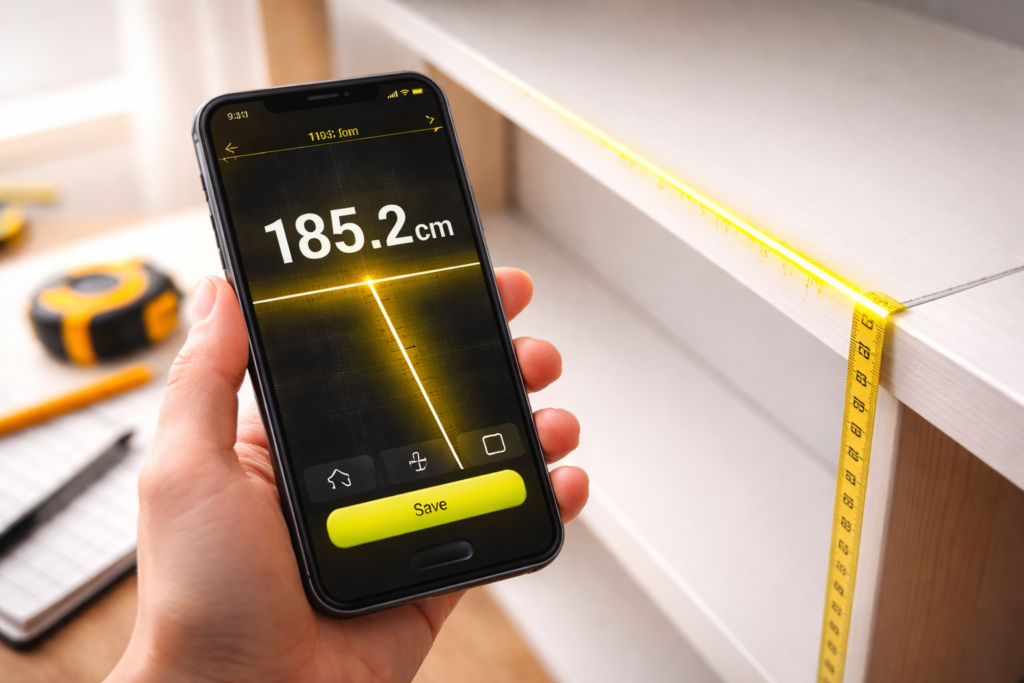


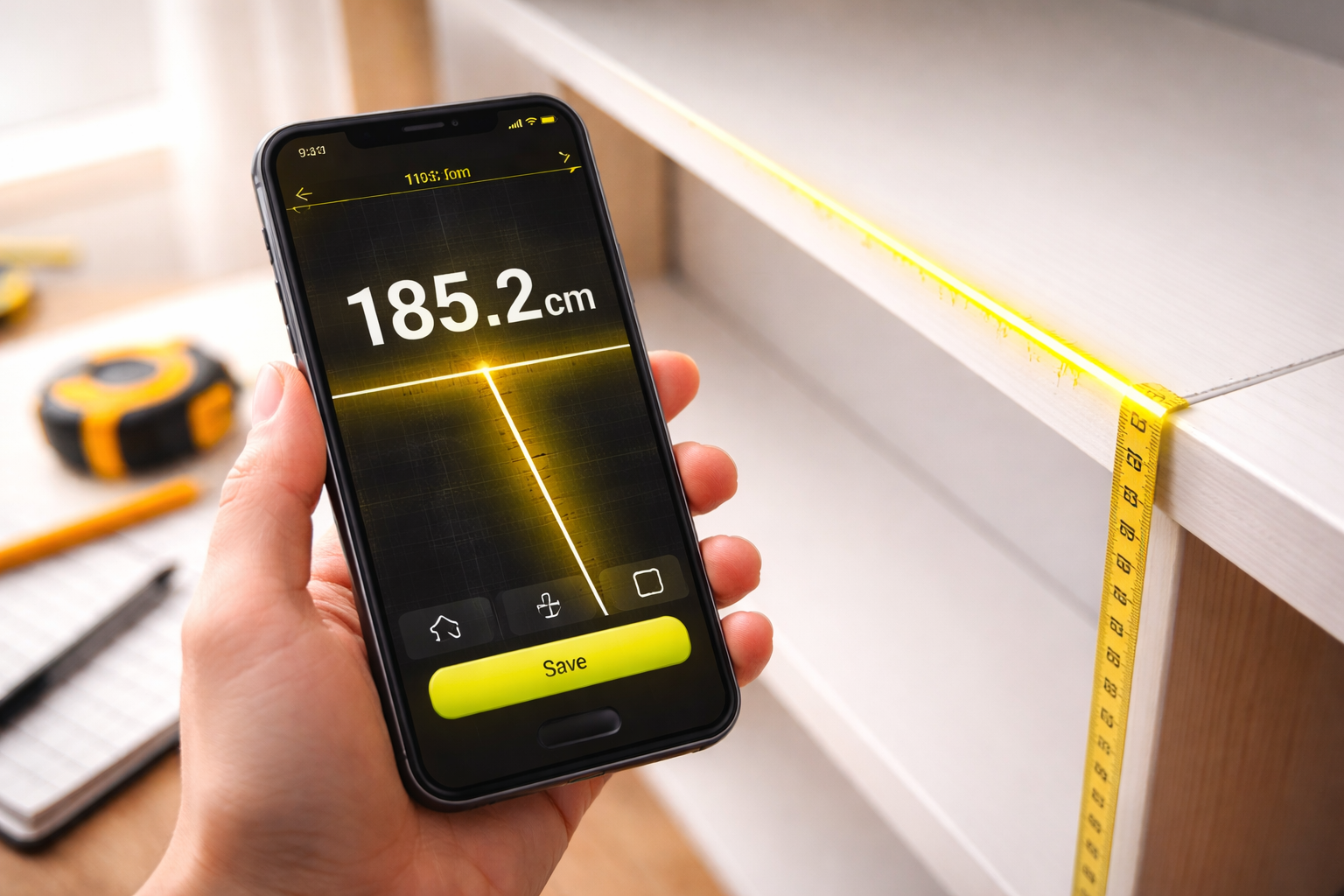
Gone are the days when you needed to carry a physical measuring tape everywhere. Modern technology has transformed your phone into a powerful measurement tool that fits in your pocket. Whether you’re redecorating your home, shopping for furniture, or working on a DIY project, digital tape measure apps offer convenience and accuracy at your fingertips.
These innovative applications use augmented reality (AR) and your phone’s camera to calculate distances, heights, and dimensions with surprising precision. What once seemed like science fiction is now everyday reality for millions of users worldwide. Let’s explore how these apps work and why they’re becoming essential tools for homeowners, professionals, and curious minds alike.
📱 How Digital Tape Measure Apps Actually Work
Digital measuring apps leverage the sophisticated sensors built into modern smartphones. The primary technology behind these applications is augmented reality, which overlays digital information onto the real world through your camera lens. When you point your phone at an object, the app uses the camera along with gyroscope and accelerometer data to calculate distances.
The process begins when you calibrate the app by pointing your camera at a flat surface, typically the floor. This establishes a reference plane that the software uses for all subsequent measurements. As you move your phone, the sensors track motion and orientation, allowing the app to map three-dimensional space accurately.
Most apps use LiDAR technology on supported devices, which stands for Light Detection and Ranging. This sends out laser pulses and measures how long they take to bounce back, creating incredibly precise distance measurements. For phones without LiDAR sensors, the apps rely on visual processing algorithms that analyze camera images to estimate depth and distance.
🎯 Practical Everyday Uses That Will Surprise You
The versatility of digital tape measure apps extends far beyond simple room measurements. Homeowners use them to determine whether a new sofa will fit through doorways or if that dining table matches their space. Real estate agents rely on these tools during property showings to provide instant room dimensions to potential buyers.
Interior designers and decorators find these apps invaluable for quick on-site assessments. Instead of carrying bulky measuring equipment, they can capture all necessary measurements with their phones and immediately share data with clients or colleagues. This streamlines the entire design process and reduces the margin for error.
Professionals in construction and renovation use digital measuring tools as convenient supplements to traditional equipment. While they may still use physical tape measures for critical structural work, phone apps provide quick estimates for material calculations, space planning, and preliminary assessments. Landscapers measure garden beds, outdoor furniture placement, and hardscape dimensions without fumbling with retractable tapes.
🏠 Measuring Your Home Like a Professional
When measuring rooms and spaces with your smartphone, certain techniques yield better results. Always ensure adequate lighting—poor visibility confuses the camera sensors and reduces accuracy. Start by establishing your reference plane on the floor, keeping your phone steady during this crucial calibration phase.
Move slowly and deliberately when taking measurements. Rapid movements cause the sensors to lose tracking, resulting in inaccurate readings. For wall measurements, begin at one corner and slowly pan across to the opposite corner, allowing the app to build an accurate spatial map.
For height measurements, place a visual marker at the base of what you’re measuring. This gives the app a clear starting point and improves precision. When measuring furniture or objects, capture them from multiple angles to get comprehensive dimensions including width, depth, and height.

✨ Accuracy Levels You Can Expect
Understanding the accuracy limitations of digital tape measure apps helps set realistic expectations. On devices equipped with LiDAR sensors, such as newer iPhone Pro models and certain Android flagships, accuracy typically ranges within 1-2% of actual measurements for distances up to 15 feet. This makes them suitable for most household and casual professional applications.
Phones without LiDAR sensors rely on visual estimation algorithms, which are generally less precise. These apps can achieve accuracy within 3-5% under optimal conditions, though results vary based on lighting, surface textures, and user technique. For critical measurements requiring absolute precision, traditional tools remain the gold standard.
Environmental factors significantly impact measurement accuracy. Reflective surfaces, cluttered spaces, and poor lighting all introduce potential errors. Glass, mirrors, and very dark or very bright surfaces confuse the sensors, leading to unreliable readings. Always take multiple measurements and average the results for improved reliability.
🛠️ Comparing Different Measurement App Features
The market offers numerous digital tape measure apps, each with unique features and capabilities. Some focus on simplicity with straightforward distance measurements, while others provide comprehensive toolsets including angle finders, level indicators, and area calculators.
Premium apps often include floor plan creation features that let you build detailed room layouts directly within the application. These tools automatically convert measurements into scaled diagrams that you can annotate, share, or export for professional use. Some even integrate with design software for seamless workflow integration.
Social and sharing features distinguish certain apps from competitors. The ability to save measurements to projects, add photos and notes, and share complete measurement sets with collaborators makes these apps powerful productivity tools. Cloud synchronization ensures your data remains accessible across all your devices.
💡 Tips for Maximum Measurement Accuracy
Achieving the best possible accuracy with your digital tape measure app requires attention to detail and proper technique. Before starting any measurement session, clean your camera lens thoroughly—smudges and dust particles distort the image and confuse the sensors.
- Calibrate the app on a clear, well-lit flat surface before each session
- Keep your phone parallel to the surface you’re measuring whenever possible
- Take measurements at eye level when possible to reduce angular distortion
- Avoid measuring in direct sunlight, which can wash out camera details
- Use steady, controlled movements rather than quick swipes
- Measure the same distance multiple times and calculate the average
- Verify critical measurements with a physical tape measure
🎨 Creative Applications Beyond Basic Measuring
Digital measuring apps unlock creative possibilities that extend far beyond traditional tape measure functions. Artists use them to plan installations, calculate canvas sizes, and design gallery layouts. Photographers employ measurement apps to determine optimal shooting distances and plan lighting setups.
Event planners rely on these tools to visualize venue layouts, ensure equipment fits in designated spaces, and create accurate floor plans for seating arrangements. The ability to quickly capture room dimensions during site visits saves countless hours and reduces the need for return trips.
Hobbyists working on projects like model building, woodworking, or crafting find digital measuring apps incredibly useful for quick reference measurements. Instead of constantly picking up and putting down tools, they can check dimensions with their phone, which is usually already nearby.
🔍 Understanding the Technology Behind the Magic
The sophisticated algorithms powering measurement apps combine multiple data sources to create accurate spatial maps. Computer vision technology analyzes video frames to identify surfaces, edges, and reference points. Simultaneous Localization and Mapping (SLAM) algorithms track your phone’s movement through space while building a map of the environment.
Machine learning enhances accuracy over time as the app learns to recognize different surface types, lighting conditions, and measurement scenarios. This adaptive intelligence helps compensate for challenging environments and improves performance with continued use.
The integration of multiple sensors creates redundancy that improves reliability. If one sensor provides questionable data, the app can cross-reference information from other sources to validate or correct the reading. This multi-sensor fusion approach represents a significant advancement in mobile measurement technology.
📊 When to Use Digital vs. Traditional Measuring Tools
Digital tape measure apps excel in situations requiring quick, convenient measurements where extreme precision isn’t critical. They’re perfect for furniture shopping, home decoration planning, and preliminary project assessments. The convenience of having a measuring tool always in your pocket outweighs minor accuracy compromises for many applications.
Traditional measuring tools remain essential for construction, woodworking, and any application where millimeter precision matters. Building codes, structural requirements, and professional standards often mandate physical measurements verified by certified tools. Digital apps complement rather than replace traditional equipment in professional settings.
The ideal approach combines both technologies based on the task at hand. Use your phone app for quick checks, preliminary measurements, and convenient reference data. Employ traditional tools when accuracy is paramount, measurements require official documentation, or you’re working on critical structural elements.
🌟 Future Innovations in Mobile Measurement Technology
The evolution of smartphone measurement technology continues at a rapid pace. Next-generation sensors promise even greater accuracy, with some manufacturers developing millimeter-precise LiDAR systems for consumer devices. Enhanced AR capabilities will enable real-time visualization of measurements overlaid directly on physical spaces.
Artificial intelligence integration will revolutionize how apps interpret spatial data. Future versions may automatically recognize objects, suggest optimal measurement points, and even detect measurement errors before you complete the process. Voice-controlled operation could allow hands-free measuring for improved convenience.
Cloud-based collaboration features will expand, enabling teams to work together on measurement projects in real time regardless of location. Imagine multiple users contributing measurements to a shared floor plan simultaneously, with changes syncing instantly across all devices. This collaborative approach will transform how professionals approach spatial planning and design.
🎓 Learning Curve and User Experience
Most digital tape measure apps prioritize user-friendly interfaces that minimize the learning curve. First-time users can typically complete basic measurements within minutes of downloading an app. Tutorial overlays guide you through initial setup and calibration, explaining each step clearly.
Advanced features require more practice to master, but the investment pays dividends in productivity and capability. Spending 30 minutes exploring all the features and practicing different measurement techniques significantly improves your proficiency and accuracy. Many apps include interactive guides and video tutorials that demonstrate best practices.
User experience varies between apps, with some offering cleaner, more intuitive interfaces than others. Reading reviews and trying multiple apps helps identify which interface style matches your preferences and workflow. The best app for you balances features, accuracy, and ease of use according to your specific needs.
💰 Cost Considerations and Value Proposition
The financial accessibility of digital tape measure apps represents one of their greatest advantages. Many excellent apps are completely free, supported by unobtrusive advertisements. Premium versions typically cost between $2 and $10, unlocking advanced features like unlimited saved measurements, ad removal, and export capabilities.
Compared to professional measuring equipment that can cost hundreds of dollars, smartphone apps offer incredible value. Even if you occasionally need a physical tape measure for critical measurements, having a digital option always available adds tremendous convenience without significant investment.
For professionals, subscription-based apps offering cloud storage, team collaboration, and advanced reporting features justify their monthly fees through improved productivity and streamlined workflows. The time saved during site visits and the elimination of transcription errors quickly offset subscription costs.
🔐 Privacy and Data Security Considerations
When using measurement apps, understanding how your data is handled ensures informed decision-making. Most apps require camera access to function, but reputable developers don’t store or transmit images without explicit permission. Review privacy policies to understand what information apps collect and how they use it.
Apps offering cloud synchronization necessarily upload measurement data to remote servers. Ensure these services employ encryption during transmission and storage. For sensitive projects involving proprietary information or secure locations, consider apps that store data exclusively on your device.
Location permissions sometimes requested by measurement apps enable features like automatic project organization based on where measurements were taken. However, this isn’t essential for basic functionality. You can typically deny location access while still using core measurement features if privacy concerns outweigh convenience benefits.
🚀 Getting Started with Your First Digital Measurement
Beginning your journey with digital tape measure apps requires just a few simple steps. Download a highly-rated app from your device’s official app store, ensuring you’re getting legitimate software. Launch the app and follow the initial setup instructions, which typically involve granting camera permissions and completing a brief calibration process.
Start with simple measurements in a well-lit room with clear, uncluttered surfaces. Measure something you can easily verify with a physical ruler or tape measure to build confidence in the app’s accuracy. This comparison helps you understand the tool’s capabilities and limitations in your specific environment.
Gradually progress to more complex measurements as you become comfortable with the interface and technique. Experiment with different features, save measurements to projects, and explore advanced capabilities at your own pace. The more you practice, the more natural and intuitive the process becomes, transforming your smartphone into an indispensable measuring tool.
Digital tape measure technology has revolutionized how we interact with physical space, making precise measurements accessible to everyone with a smartphone. While these apps may not completely replace traditional tools for all applications, they provide remarkable convenience and capability for countless everyday situations. Whether you’re a homeowner planning a renovation, a professional managing projects, or simply someone who appreciates the intersection of technology and practicality, digital measuring apps offer genuine value that fits literally in your pocket. The technology continues evolving, promising even greater accuracy and functionality in the future, making now the perfect time to explore what these powerful tools can do for you.
