
Anúncios
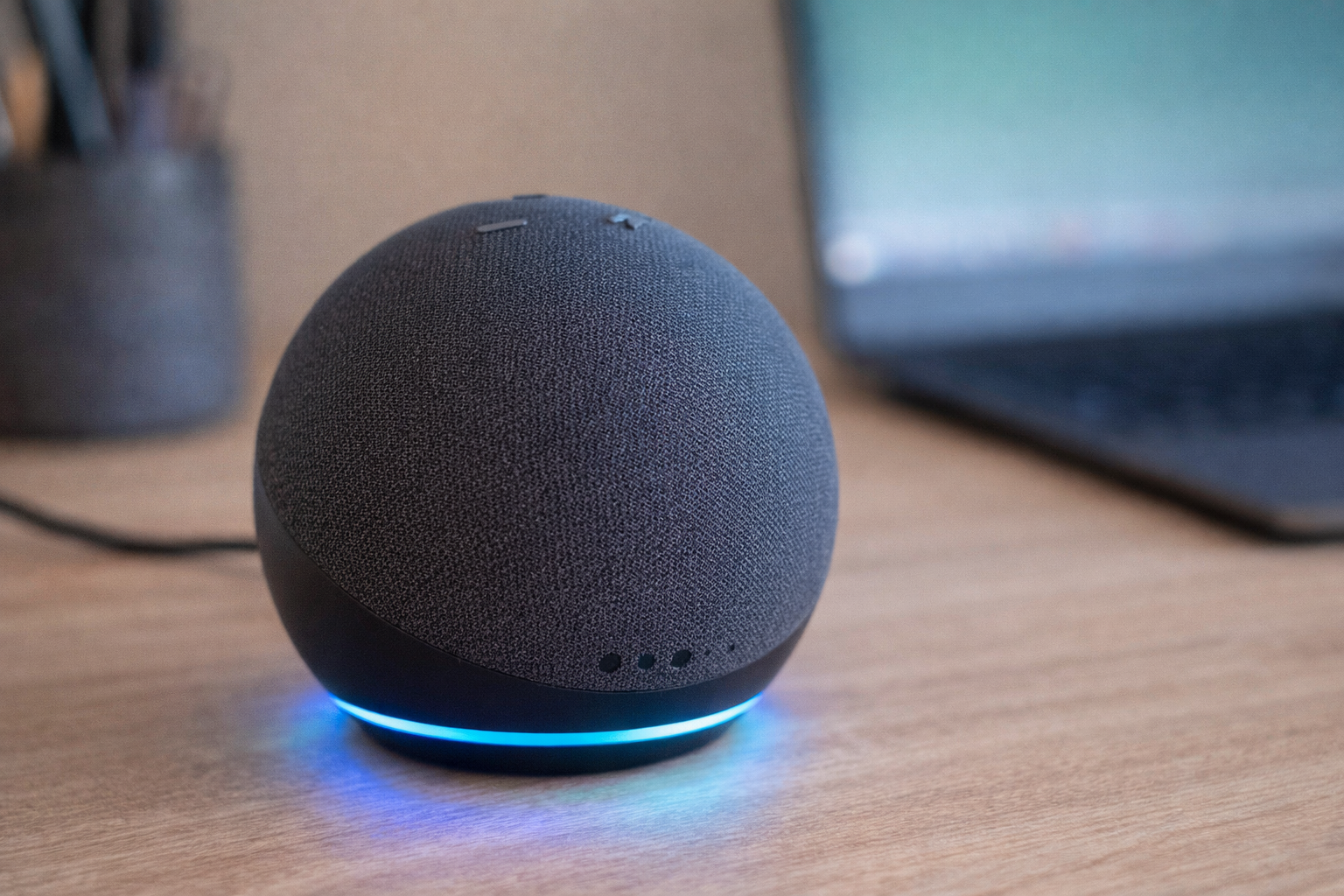
Meet Alexa, Amazon’s intelligent voice assistant that transforms how you interact with technology daily, making tasks easier with simple voice commands.


Voice assistants have revolutionized the way we manage our homes, schedules, and entertainment. Alexa stands out as one of the most versatile options available, offering countless features that adapt to your lifestyle. Whether you’re cooking, working, or relaxing, this smart companion responds instantly to your requests.
Controlling Alexa through your smartphone opens even more possibilities. The mobile app extends functionality beyond voice commands, allowing you to customize settings, manage smart devices, and access features that make your daily routine remarkably efficient. Let’s explore everything this powerful tool can do for you.
📱 Setting Up Alexa on Your Smartphone
Getting started with Alexa on your mobile device is straightforward. First, download the Amazon Alexa app from your device’s app store. The application is compatible with both iOS and Android platforms, ensuring accessibility regardless of your smartphone preference.
After installation, open the app and sign in with your Amazon account credentials. If you don’t have an Amazon account yet, creating one takes just a few minutes. Once logged in, the app guides you through a simple setup process that connects your smartphone to Alexa’s ecosystem.
The initial configuration involves granting necessary permissions for microphone access, location services, and notifications. These permissions enable Alexa to respond to voice commands, provide location-based information, and send timely alerts about reminders, deliveries, and smart home activities.
Connecting Your Alexa-Enabled Devices 🔗
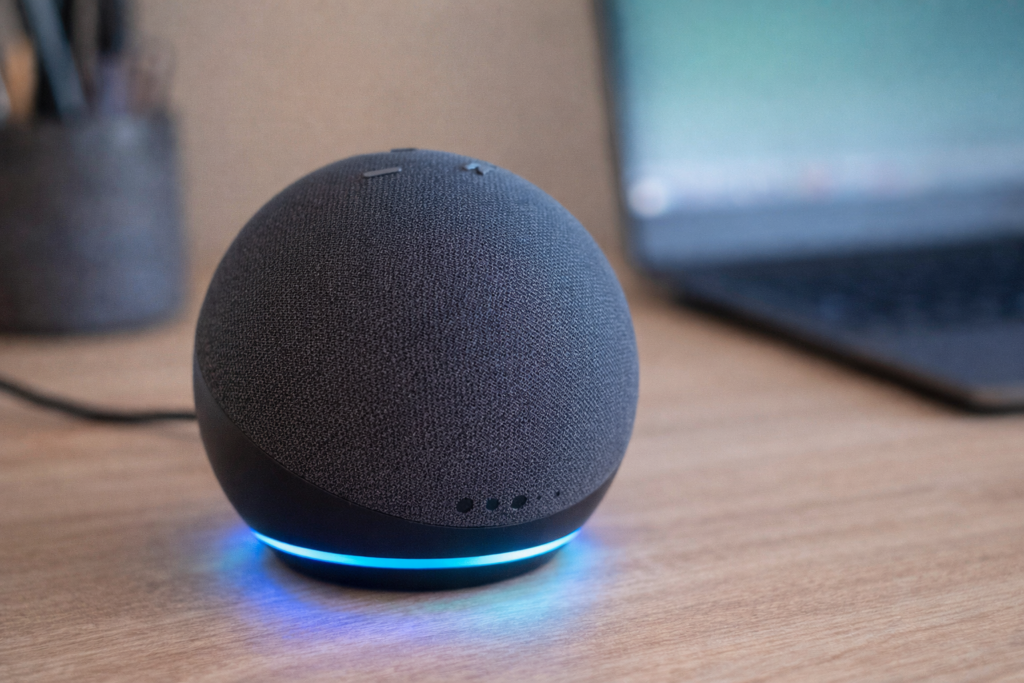
If you own an Echo device, Fire TV, or other Alexa-compatible hardware, the app automatically detects these gadgets when they’re powered on and connected to the same Wi-Fi network. Simply tap the “Add Device” button and follow the on-screen instructions to complete pairing.
The beauty of smartphone control lies in its flexibility. You don’t need to be near your Echo speaker to interact with Alexa. The mobile app transforms your phone into a portable Alexa device, letting you access all features wherever you go.
🎙️ Voice Commands That Transform Your Day
Alexa’s true magic reveals itself through voice commands. Simply saying “Alexa” activates the assistant, ready to execute thousands of different tasks. The range of capabilities is impressively broad, covering entertainment, productivity, information, and home automation.
Music lovers appreciate how effortlessly Alexa plays songs, albums, or playlists from streaming services like Amazon Music, Spotify, Apple Music, and Deezer. Just say “Alexa, play relaxing jazz” or “Alexa, shuffle my workout playlist,” and your soundtrack begins immediately.
News and information requests receive instant responses. Ask “Alexa, what’s the weather today?” or “Alexa, what’s happening in the world?” to stay informed. The assistant pulls data from trusted sources, delivering concise updates tailored to your interests and location.
Productivity Boosters That Actually Work ⏰
Time management becomes effortless with Alexa handling reminders, alarms, and timers. Tell Alexa to “set a timer for 20 minutes” while cooking, or “remind me to call Mom at 3 PM” for important tasks. These commands sync across all your Alexa-enabled devices.
Shopping lists receive real-time updates through voice commands. When you notice you’re running low on coffee, simply say “Alexa, add coffee to my shopping list.” Access this list anytime through the smartphone app, ensuring you never forget items at the store.

🏠 Smart Home Control at Your Fingertips
Alexa excels as a smart home hub, controlling compatible devices throughout your living space. Lights, thermostats, locks, cameras, and appliances respond to simple voice commands, creating a truly connected home environment that adapts to your preferences.
Setting up smart home devices through the Alexa app is remarkably simple. Navigate to the “Devices” section, tap the plus icon, and select the device type you’re adding. Alexa supports thousands of brands, from Philips Hue lights to Ring doorbells and Nest thermostats.
Once configured, control becomes intuitive. Say “Alexa, turn off the living room lights” when heading to bed, or “Alexa, set the thermostat to 72 degrees” for optimal comfort. Creating routines automates multiple actions with a single command.
Creating Custom Routines for Maximum Efficiency 🔄
Routines represent Alexa’s most powerful automation feature. These customizable sequences trigger multiple actions simultaneously, based on specific phrases, times, or device activity. The possibilities are virtually endless.
A morning routine might include Alexa gradually turning on bedroom lights, reading your calendar events, providing weather updates, and starting your coffee maker—all triggered by saying “Alexa, good morning” or automatically at your chosen wake-up time.
Evening routines can lock doors, adjust thermostat settings, turn off lights throughout the house, and play relaxing sounds for sleep. Building these routines through the smartphone app takes minutes but delivers daily convenience that accumulates into significant time savings.
🎬 Entertainment Commands for Every Mood
Beyond music, Alexa provides comprehensive entertainment options. Ask for podcasts, audiobooks, radio stations, or ambient sounds tailored to your current activity or mood. The assistant remembers your preferences, improving recommendations over time.
Fire TV owners enjoy hands-free content navigation. Commands like “Alexa, play Stranger Things on Netflix” or “Alexa, pause” eliminate the need for remote controls. Search across streaming platforms, adjust volume, and skip content entirely through voice.
Trivia games, jokes, and interactive stories offer entertainment for all ages. Try saying “Alexa, tell me a joke” or “Alexa, let’s play a trivia game” when you need a quick mental break. Families particularly enjoy the kid-friendly content and educational games available.
Connecting with Communication Features 💬
Alexa facilitates hands-free communication through calling, messaging, and Drop In features. Once configured in the app, you can say “Alexa, call Sarah” to connect with contacts who also have Alexa devices or the app installed.
The Drop In feature works like an intercom system between Alexa devices in your home. Parents can check on children in different rooms, or quickly communicate without shouting across the house. This feature requires permission settings configured through the smartphone app.
🛒 Shopping Made Simple with Voice Commerce
Amazon’s integration with Alexa makes shopping incredibly convenient. Reorder frequently purchased items by saying “Alexa, reorder paper towels” or ask “Alexa, what are today’s deals?” to discover special offers on products you might need.
Product research happens conversationally. Ask questions like “Alexa, what’s the best-rated coffee maker?” and receive recommendations based on customer reviews and ratings. While you can’t complete every purchase entirely through voice, Alexa adds items to your cart for later review.
Track packages effortlessly by asking “Alexa, where’s my package?” The assistant provides real-time updates on all Amazon orders linked to your account, keeping you informed about delivery status without opening tracking apps.
🔧 Advanced Features and Skills
Alexa Skills function like apps, extending functionality into specialized areas. Thousands of third-party skills are available, covering meditation, fitness coaching, recipe guidance, language learning, and practically any interest you can imagine.
Browse available skills through the smartphone app’s Skills section. Popular options include sleep sounds, guided meditations, daily motivational quotes, and interactive fitness trainers. Enable skills with a single tap, then activate them through voice commands.
Creating custom responses through Alexa Blueprints adds personalization. Build customized trivia games featuring your family, create personalized bedtime stories for children, or design custom responses for frequently asked questions around your home.
Privacy Controls and Settings 🔒
Privacy matters, and Alexa provides robust controls through the smartphone app. Review and delete voice recordings, manage which skills can access your information, and adjust microphone settings on compatible devices.
The app’s privacy settings allow you to prevent Alexa from storing recordings, disable personalized recommendations based on voice interactions, and control how your data contributes to improving Alexa’s performance. These settings give you complete transparency and control.
📊 Managing Multiple Alexa Devices
Households with several Alexa devices benefit from multi-room audio, synchronized announcements, and device-specific settings. The smartphone app serves as your central control panel, managing everything from one convenient location.
Group devices by room or function through the app’s device management section. This organization enables commands like “Alexa, play music everywhere” to stream audio throughout your home simultaneously, or “Alexa, turn off bedroom lights” without affecting other areas.
The app displays each device’s status, connectivity, and individual settings. Rename devices for easier voice recognition, adjust volume limits, and configure wake word preferences—choosing between “Alexa,” “Echo,” “Amazon,” or “Computer” based on personal preference.
🌍 Location-Based Features and Mobile Advantages
Using Alexa through your smartphone unlocks location-based capabilities unavailable on stationary devices. Receive reminders when arriving at specific locations, like “Alexa, remind me to buy milk when I get to the grocery store.”
The mobile app’s “Alexa Hands-Free” mode enables voice commands even when your phone is locked or you’re using other apps. This feature mirrors the always-listening convenience of Echo devices while you’re away from home.
Traffic updates, nearby restaurant recommendations, and local event information become contextually relevant based on your current location. Ask “Alexa, what’s nearby?” or “Alexa, how long until I get home?” for instant, personalized responses.
💡 Tips for Maximizing Your Alexa Experience
Speak naturally when giving commands—Alexa understands conversational language and doesn’t require robotic phrasing. Instead of “Alexa, weather forecast Seattle Washington,” simply say “Alexa, what’s the weather like in Seattle?”
Explore the “Things to Try” section in the app regularly. Amazon continuously adds features and capabilities, and this section highlights new commands, seasonal suggestions, and trending skills worth exploring.
Enable Brief Mode in settings to reduce Alexa’s verbal responses. Instead of saying “Okay” after every command, Alexa plays a short tone, creating a less intrusive experience for routine interactions.
Customize Alexa’s voice and speaking rate through accessibility settings. Choose between different voice options and adjust speaking speed to match your preferences and hearing needs.
Troubleshooting Common Issues 🔧
If Alexa doesn’t respond correctly, check your internet connection first. Both your smartphone and Alexa devices require stable Wi-Fi for optimal performance. The app displays connectivity status for each registered device.
Voice recognition improves when Alexa hears you clearly. Reduce background noise when possible, and speak at a normal volume from a reasonable distance. The app includes a feature to train Alexa to recognize your voice better through repeated samples.
Update the Alexa app and device firmware regularly. Amazon releases frequent updates that improve functionality, add features, and enhance security. Enable automatic updates in your app settings to ensure you’re always running the latest version.
🎯 Accessibility Features That Make a Difference
Alexa offers valuable accessibility features for users with visual, hearing, or mobility challenges. Voice control eliminates the need for small screens and precise touch interactions, making technology more accessible to everyone.
Screen reader integration on smartphones works seamlessly with the Alexa app, providing audio feedback for all interactions. Visual impairments don’t prevent full access to Alexa’s capabilities when properly configured.
Tap-to-Alexa functionality allows communication through visual cards instead of voice commands, benefiting users with speech difficulties. Create custom cards for frequently used commands, making interaction simple through single taps.
🚀 The Future Waiting in Your Pocket
Alexa continues evolving with artificial intelligence improvements, expanded device compatibility, and innovative features that reshape how we interact with technology. The smartphone app ensures you’re always connected to these advancements.
Integration with automotive systems brings Alexa into your car, enabling hands-free navigation, music control, and smart home management while driving. The mobile app coordinates all these experiences, creating seamless transitions between contexts.
Your voice assistant journey starts with a simple download and grows as you discover commands that genuinely improve daily life. From morning routines to evening wind-downs, Alexa adapts to your rhythm, learning preferences and anticipating needs.
The power of voice control transforms mundane tasks into effortless interactions. Whether managing smart home devices, staying entertained, organizing schedules, or simply asking questions, Alexa responds instantly to thousands of requests.
Download the app today and begin exploring how voice technology can simplify your world. Start with basic commands, gradually building routines and discovering features that resonate with your lifestyle. The possibilities truly are limited only by your imagination—just ask, and Alexa delivers.
