
Anúncios
# Using Your Smartphone as a Digital Tape Measure: A Complete Guide


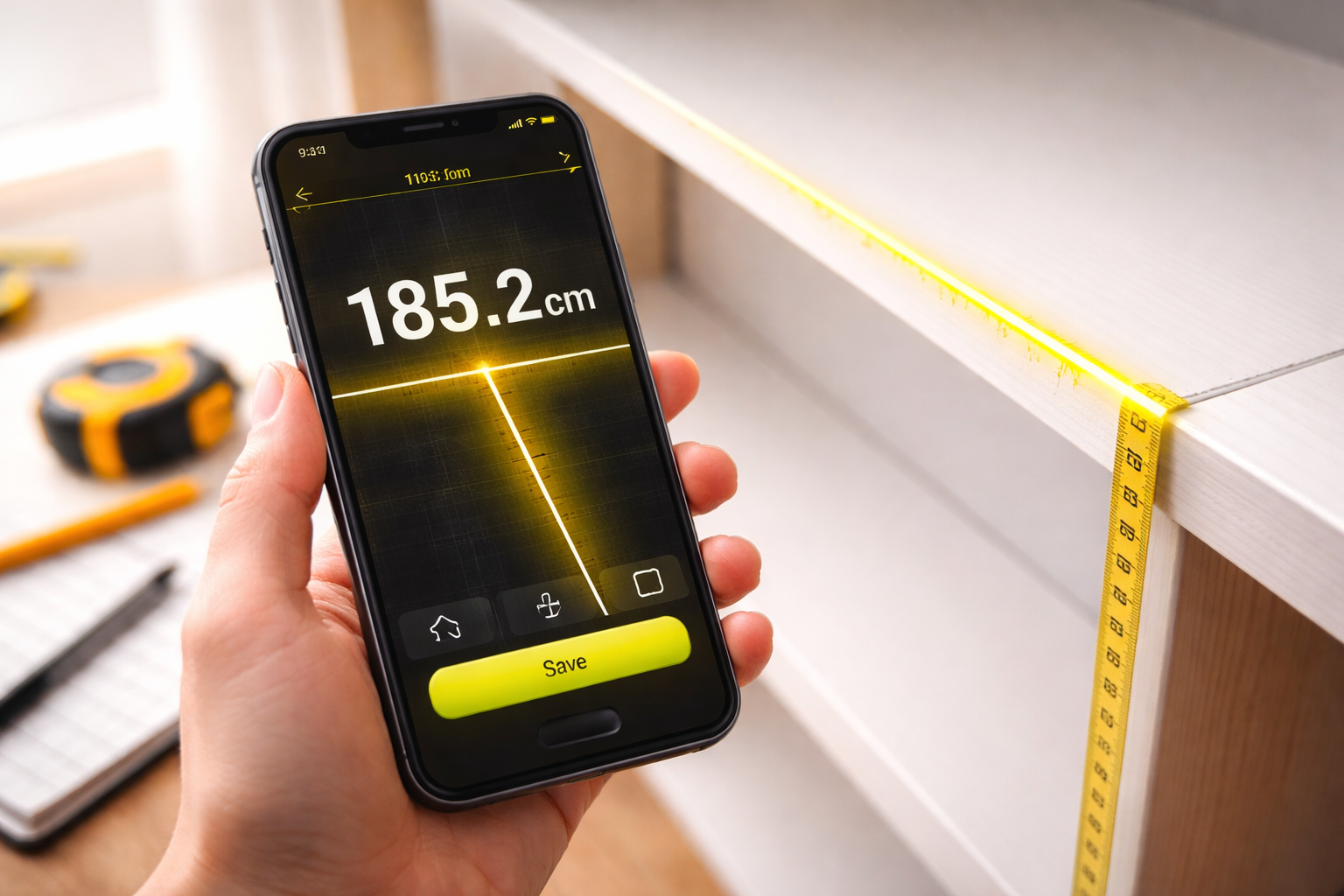
Gone are the days when measuring spaces required carrying bulky tools. Your smartphone can now serve as a precise digital tape measure, revolutionizing how we approach everyday measurements.
Technology has transformed our pockets into portable toolkits. What once required specialized equipment can now be accomplished with a few taps on your mobile device. The integration of augmented reality, advanced sensors, and sophisticated software has made measuring distances, heights, and dimensions remarkably simple and surprisingly accurate.
Whether you’re a homeowner planning furniture placement, a contractor estimating project dimensions, or someone who frequently needs quick measurements, understanding how to leverage your smartphone’s capabilities can save time, money, and physical space in your toolbox. This comprehensive guide explores everything you need to know about transforming your phone into a reliable measuring instrument.
## 📱 How Smartphone Measuring Technology Actually Works
Modern smartphones come equipped with sophisticated sensors that make digital measuring possible. The primary technology behind most measuring apps is augmented reality (AR), which uses your phone’s camera combined with motion sensors to calculate distances and dimensions in real-time.
The process involves your device’s accelerometer, gyroscope, and camera working together to understand spatial relationships. When you point your camera at an object, the AR framework creates a three-dimensional map of your surroundings. By identifying reference points and tracking movement, the software can calculate measurements with impressive accuracy.
Apple’s ARKit and Google’s ARCore are the foundational technologies powering most measuring applications. These frameworks use a process called visual-inertial odometry, which tracks distinctive features in the camera view while simultaneously monitoring the phone’s movement through space. The result is a virtual measuring tape that exists within your camera’s viewfinder.
## 🎯 Choosing the Right Measuring App for Your Needs
The app marketplace offers dozens of measuring applications, each with unique features and capabilities. Selecting the right one depends on your specific requirements, device compatibility, and desired accuracy level.
Built-in measuring tools like Apple’s Measure app or Google’s Measure app (now integrated into some devices) provide basic functionality without requiring additional downloads. These native applications offer straightforward distance measurements, level detection, and basic object dimensioning.
Third-party applications often provide enhanced features such as room scanning, area calculations, angle measurements, and the ability to save and share measurements digitally. Apps like AR Ruler, RoomScan, and Measure by Google have earned strong reputations for reliability and user-friendly interfaces.
When evaluating measuring apps, consider factors like measurement units (metric vs. imperial), screenshot capabilities, measurement history, export options, and whether the app requires an internet connection. Reading recent user reviews can provide insights into real-world accuracy and performance across different devices.
## 🔧 Setting Up Your Smartphone for Optimal Measuring Accuracy
Before taking your first measurement, proper setup ensures you’ll achieve the most accurate results possible. Start by ensuring your device’s operating system is updated to the latest version, as AR frameworks continuously improve with software updates.
Lighting conditions significantly impact measurement accuracy. Well-lit environments with consistent lighting help your phone’s camera identify reference points more reliably. Avoid extremely bright or dim conditions, as these can confuse the AR tracking system and produce inconsistent results.
Clean your camera lens thoroughly before measuring. Fingerprints, dust, or smudges can interfere with the camera’s ability to track surfaces and reference points accurately. A simple wipe with a microfiber cloth takes seconds but dramatically improves performance.
Calibration is often automatic, but some apps offer manual calibration options. If available, take advantage of these features by measuring known distances and adjusting settings accordingly. This process helps the app understand your specific device’s characteristics and environmental conditions.
## 📏 Mastering Basic Measurement Techniques
Taking accurate measurements with your smartphone requires understanding proper technique. The fundamental process involves identifying your starting point, moving your device slowly and steadily, and marking your endpoint clearly.
When measuring horizontal distances, hold your phone at a consistent height and move it parallel to the floor. Tilting the device during measurement introduces errors, so maintaining a steady hand is crucial. For vertical measurements, align your phone with the object’s edge and move smoothly from bottom to top.
Most measuring apps require you to identify a surface or plane first. Slowly pan your camera across the area until the app indicates it has detected a suitable plane. This initialization step is critical—rushing through it often results in inaccurate measurements.
For best results, position yourself at an optimal distance from the object you’re measuring. Standing too close or too far can reduce accuracy. Generally, positioning yourself 3-6 feet away from smaller objects and 6-12 feet from larger surfaces produces reliable measurements.

## 🏠 Practical Applications for Home and DIY Projects
Digital measuring tools excel in home improvement scenarios where traditional tape measures prove cumbersome or impractical. Furniture shopping becomes significantly easier when you can quickly measure spaces to determine if that couch will actually fit in your living room.
Interior designers and home decorators frequently use smartphone measurements for space planning. Measuring wall dimensions, window sizes, and floor areas helps create accurate room layouts without the hassle of traditional measuring tools. Many apps even allow you to create floor plans directly from measurements.
DIY enthusiasts find smartphone measuring invaluable for project planning. Whether you’re building shelves, hanging artwork, or installing curtain rods, quick access to accurate measurements streamlines the entire process. The ability to capture measurements with screenshots creates a convenient reference you can review later at the hardware store.
Gardening and outdoor projects also benefit from digital measuring. Planning garden beds, measuring fence lines, or determining spacing for outdoor furniture becomes simpler when you can measure without juggling physical tools while working outside.
## 🎨 Advanced Features That Expand Measuring Capabilities
Beyond basic linear measurements, modern apps offer sophisticated features that transform your phone into a comprehensive measuring toolkit. Area calculation automatically computes square footage by measuring multiple walls or boundaries, perfect for flooring estimates or paint calculations.
Volume measurement functionality allows you to determine the cubic dimensions of boxes, rooms, or storage spaces. This proves particularly useful when moving, shipping items, or planning storage solutions. Simply measure length, width, and height, and the app calculates volume automatically.
Angle measurement tools help with projects requiring precise angular cuts or alignments. Carpenters, picture hangers, and anyone working with diagonal elements appreciate this feature. Some apps include digital level functionality, replacing the need for a separate leveling tool.
Height measurement features let you determine the height of tall objects without climbing or using ladders. Point your phone at the base and top of an object, and the app calculates the height using trigonometry and your phone’s sensors. This works exceptionally well for measuring ceiling heights, trees, or building dimensions.
## ✅ Understanding Accuracy Limitations and When to Use Traditional Tools
While smartphone measuring technology has advanced significantly, understanding its limitations prevents disappointment and errors in critical applications. Current AR-based measuring apps typically achieve accuracy within 1-2% of actual measurements under ideal conditions, which translates to approximately 1-2 inches over a 10-foot distance.
This level of precision works perfectly for general measurements, furniture placement, and preliminary project planning. However, professional construction, woodworking requiring tight tolerances, or legal documentation still demands traditional measuring tools for guaranteed accuracy.
Environmental factors affect digital measuring accuracy more than physical tape measures. Glossy or reflective surfaces, low-contrast environments, and outdoor settings with variable lighting can challenge AR tracking systems. Recognizing these challenging conditions helps you decide when to rely on your phone versus reaching for a physical measuring tool.
Device age and model significantly impact performance. Newer smartphones with advanced AR capabilities and multiple camera lenses generally provide superior accuracy compared to older devices with basic camera systems. If precision is critical, consider your device’s capabilities before relying solely on digital measurements.
## 💡 Expert Tips for Maximizing Measurement Precision
Professional users who regularly depend on smartphone measuring have developed techniques that substantially improve accuracy. Taking multiple measurements of the same distance and averaging the results eliminates random errors and provides more reliable data.
Stabilizing your phone during measurement dramatically improves results. While handheld measurements work adequately, resting your phone against a stable surface or using a small tripod when possible eliminates movement-related inaccuracies. For critical measurements, this extra stability makes a noticeable difference.
Breaking long distances into shorter segments often yields better accuracy than attempting to measure an entire length in one pass. Measure in sections and add the results together. This approach also helps maintain better tracking and reference point identification throughout the measurement process.
Verifying measurements against known distances periodically confirms your app is performing correctly. Measure objects with known dimensions occasionally to ensure your results align with reality. If you notice consistent discrepancies, recalibrating or switching apps may be necessary.
## 🌟 Comparing Popular Measuring Apps: Features and Performance
The landscape of measuring applications varies significantly in terms of features, usability, and accuracy. Apple’s native Measure app provides clean, simple functionality that works reliably for basic measurements. Its integration with iOS ensures smooth performance, though it lacks advanced features found in third-party alternatives.
AR Ruler stands out for its versatility, offering multiple measurement modes including distance, perimeter, area, volume, and angle measurements. The interface is intuitive, and the app performs consistently across various Android devices. Its ability to save measurement history makes it particularly useful for professionals managing multiple projects.
RoomScan specializes in creating floor plans by having users touch their phone against walls. This unique approach produces accurate room layouts without requiring traditional measuring. While it serves a specific niche, users needing detailed floor plans find it invaluable for real estate, interior design, and renovation planning.
Measure by Google leverages ARCore technology and provides reliable basic measurements with minimal learning curve. The straightforward interface appeals to users who want quick measurements without navigating complex feature sets. Its accuracy compares favorably to other options on compatible Android devices.
## 🚀 Future Developments in Smartphone Measuring Technology
The trajectory of smartphone measuring technology points toward even greater accuracy and expanded capabilities. LiDAR sensors, already present in some premium smartphones, dramatically improve measurement precision by using laser-based distance detection rather than relying solely on camera-based AR.
Devices equipped with LiDAR can measure in low-light conditions, handle reflective surfaces more effectively, and achieve professional-grade accuracy that rivals traditional measuring tools. As this technology becomes more widespread across mid-range devices, smartphone measuring will become increasingly reliable for professional applications.
Artificial intelligence integration promises to enhance measuring apps by automatically identifying objects, suggesting optimal measurement points, and correcting for common user errors. Machine learning algorithms can analyze measurement patterns and provide guidance that helps inexperienced users achieve results comparable to seasoned professionals.
Integration with other technologies creates exciting possibilities. Imagine measuring a space and instantly seeing furniture placement options through AR, calculating material quantities for construction projects, or generating purchase lists for home improvement stores based on your measurements. These capabilities are already emerging and will become standard features in coming years.
## 🎓 Teaching Others to Measure with Smartphones
Introducing family members, colleagues, or team members to smartphone measuring creates shared capabilities that benefit everyone. Start by demonstrating the app with simple, non-critical measurements that build confidence without pressure.
Emphasize the importance of proper technique from the beginning. Many people rush through measurements without allowing the app to properly detect planes or moving too quickly through the measurement process. Taking time to explain why these steps matter improves their results immediately.
Practice exercises using objects with known dimensions provide valuable feedback and build skill. Have learners measure furniture, doorways, or rooms while comparing results to traditional measurements. This hands-on approach identifies technique issues and demonstrates the technology’s capabilities and limitations.
Creating simple reference guides or cheat sheets summarizing key techniques ensures users have resources available when measuring independently. Include tips about lighting conditions, optimal distances, and troubleshooting common issues. These materials support continued learning after initial instruction.
## 🔐 Privacy and Data Considerations When Using Measuring Apps
Using camera-based measuring apps raises valid privacy questions worth considering. Most reputable measuring applications process AR data locally on your device rather than transmitting camera footage to external servers. However, reviewing app permissions and privacy policies ensures you understand what data is collected and how it’s used.
Some measuring apps include cloud storage features for saving measurements and floor plans. While convenient, this functionality means your spatial data resides on company servers. For sensitive locations or confidential projects, using apps that store data exclusively on-device provides better privacy protection.
Permission settings deserve attention when installing measuring apps. While camera access is obviously necessary, be cautious about apps requesting location data, contact access, or other permissions unrelated to measuring functionality. Legitimate measuring apps require minimal permissions beyond camera and motion sensor access.
Regular app updates often include privacy enhancements alongside feature improvements. Keeping your measuring apps current ensures you benefit from the latest security measures and privacy protections developers implement in response to evolving concerns and regulations.
## 🌍 Environmental and Practical Benefits of Digital Measuring
Beyond convenience, smartphone measuring offers genuine environmental advantages. Reducing dependence on disposable paper notes for recording measurements decreases waste. Digital screenshots and saved measurements create organized, searchable records that eliminate the need for notebooks filled with scribbled dimensions.
The ability to share measurements digitally streamlines collaboration while reducing transportation needs. Instead of requiring multiple trips to verify dimensions, you can capture measurements and share them instantly with contractors, designers, or family members. This efficiency saves time, fuel, and reduces your carbon footprint.
Smartphone measuring democratizes access to measuring capabilities. Not everyone owns traditional measuring tools, but nearly everyone carries a smartphone. This accessibility means more people can tackle DIY projects, make informed purchasing decisions, and solve spatial challenges without investing in specialized equipment.
The learning curve for digital measuring is generally shorter than mastering traditional measuring tools. While physical tape measures require coordination and sometimes assistance for longer measurements, smartphone apps allow single users to measure independently with minimal training. This accessibility empowers more people to take on projects they might otherwise avoid.
## 🛠️ Troubleshooting Common Measuring App Issues
Even with proper technique, occasional issues arise when using measuring apps. Understanding common problems and their solutions ensures frustration doesn’t undermine this useful technology. If your app fails to detect surfaces, the environment likely lacks sufficient visual features for AR tracking to function properly.
Adding temporary reference objects like placing a book or contrasting item on blank walls helps the AR system establish tracking. Alternatively, adjusting lighting or changing your angle often provides the visual variation needed for surface detection.
Measurements that seem obviously incorrect usually indicate tracking loss during the measurement process. This happens when you move too quickly, cover the camera partially with your finger, or the app loses sight of reference points. Simply retaking the measurement more slowly typically resolves the issue.
If an app consistently underperforms compared to others or produces wildly inaccurate results, reinstalling the application often fixes software-related problems. Additionally, checking for device software updates ensures your operating system includes the latest AR framework improvements that apps depend upon.
## 📊 Cost-Benefit Analysis: Digital vs Traditional Measuring Tools
Evaluating whether smartphone measuring meets your needs requires considering both capabilities and limitations. For occasional users who measure infrequently, free or low-cost measuring apps provide more than adequate functionality without any tool investment beyond your existing smartphone.
Professionals who measure regularly might use smartphone measuring for preliminary assessments and quick reference while maintaining traditional tools for critical measurements. This hybrid approach leverages the convenience of digital measuring while ensuring accuracy when stakes are high.
The cost of quality measuring apps ranges from free to approximately $10-20 for premium versions with advanced features. Compared to professional laser measuring devices costing $50-500, smartphone measuring represents significant savings for users whose accuracy requirements fall within app capabilities.
Consider that smartphone measuring provides documentation advantages traditional tools cannot match. Built-in screenshots, measurement history, and digital sharing create value beyond the measurement itself. For projects requiring detailed records or collaboration, these features justify choosing digital measuring even when traditional tools are available.
## 🎯 Making Smartphone Measuring Part of Your Everyday Toolkit
Integrating smartphone measuring into your regular habits maximizes its usefulness. Keep a reliable measuring app easily accessible on your home screen rather than buried in folders. This simple organization encourages using the tool when measurement opportunities arise spontaneously.
Practice regularly with non-critical measurements to maintain proficiency. Measure random objects around your home, verify furniture dimensions, or check room sizes occasionally. This ongoing practice keeps techniques fresh and builds confidence for when measurements truly matter.
Combining smartphone measuring with traditional tools creates a comprehensive approach that leverages the strengths of both methods. Use your phone for quick checks, preliminary measurements, and situations where carrying physical tools is impractical, while maintaining traditional measuring tools for projects requiring guaranteed precision.
Share your smartphone measuring knowledge with others who might benefit. When friends express frustration about furniture shopping uncertainties or DIY project planning, introducing them to measuring apps provides genuine value. Building a community of users who understand these capabilities creates opportunities for sharing tips and troubleshooting together.
The evolution of smartphones into multifunctional tools continues to amaze and empower users worldwide. Transforming your device into a capable measuring instrument represents just one example of how technology simplifies everyday tasks while making sophisticated capabilities accessible to everyone. Whether you’re planning your next home project, shopping for furniture, or simply curious about dimensions, your smartphone stands ready to provide surprisingly accurate measurements whenever you need them.
