
Anúncios
How to Turn Your Phone into a Walkie-Talkie with the Zello App
Transform your smartphone into a powerful push-to-talk device with Zello, the innovative app that brings walkie-talkie functionality to modern mobile communication.


In today’s fast-paced world, instant communication has become more critical than ever. While traditional phone calls and text messages serve their purpose, there’s something uniquely efficient about push-to-talk communication. Zello brings the nostalgia and practicality of walkie-talkies into the digital age, offering crystal-clear voice messaging over the internet.
Whether you’re coordinating with a team at work, staying connected during outdoor adventures, or simply looking for a more efficient way to communicate with family and friends, Zello provides an intuitive solution. This comprehensive guide will walk you through everything you need to know about setting up and maximizing your experience with this remarkable application.
📱 Understanding What Makes Zello Special
Zello isn’t just another messaging app cluttering your phone’s home screen. It’s a sophisticated push-to-talk platform that operates over WiFi, 3G, 4G, or 5G networks, allowing you to communicate instantly with individuals or groups anywhere in the world. The app replicates the walkie-talkie experience we all know, but with modern enhancements that traditional radios simply cannot match.
Unlike conventional walkie-talkies limited by radio frequency ranges, Zello leverages internet connectivity to provide virtually unlimited communication distance. You could be in New York talking to someone in Tokyo with the same ease as if they were in the next room. The app compresses voice data efficiently, ensuring smooth transmission even on slower connections.
The platform boasts over 150 million users worldwide, spanning various industries and personal use cases. From construction sites to hospital emergency teams, from hiking groups to motorcycle clubs, Zello has proven its versatility and reliability across countless scenarios.
🚀 Getting Started: Downloading and Installation
Beginning your Zello journey is remarkably straightforward. The app is available for both Android and iOS devices, ensuring compatibility with virtually any modern smartphone. Simply visit your device’s app store and search for “Zello Walkie Talkie” to find the official application.
The download size is relatively modest, typically under 50MB, meaning it won’t consume excessive storage space on your device. The installation process follows standard protocols for your operating system, requiring only a few taps to complete. Once installed, you’ll find the distinctive yellow Zello icon ready to launch on your home screen or app drawer.
After launching the app for the first time, you’ll be greeted with a clean, intuitive interface that immediately communicates its purpose. The design philosophy prioritizes functionality over flashiness, ensuring that accessing core features remains quick and effortless.
🔐 Creating Your Zello Account
Setting up your account takes less than two minutes. Zello offers multiple registration options, including email-based signup or linking through your existing social media accounts. Choosing a unique username is important, as this becomes your identity within the Zello network and how others will find and contact you.
Your username should be memorable yet professional, especially if you plan to use Zello for business communications. The app allows you to add a profile picture and status message, personalizing your presence and helping contacts identify you quickly during busy conversations.
Security features include password protection and the option to enable two-factor authentication for enhanced account safety. Given that Zello can be used for sensitive communications in professional settings, these security measures provide important peace of mind.
💬 Mastering the Push-to-Talk Interface
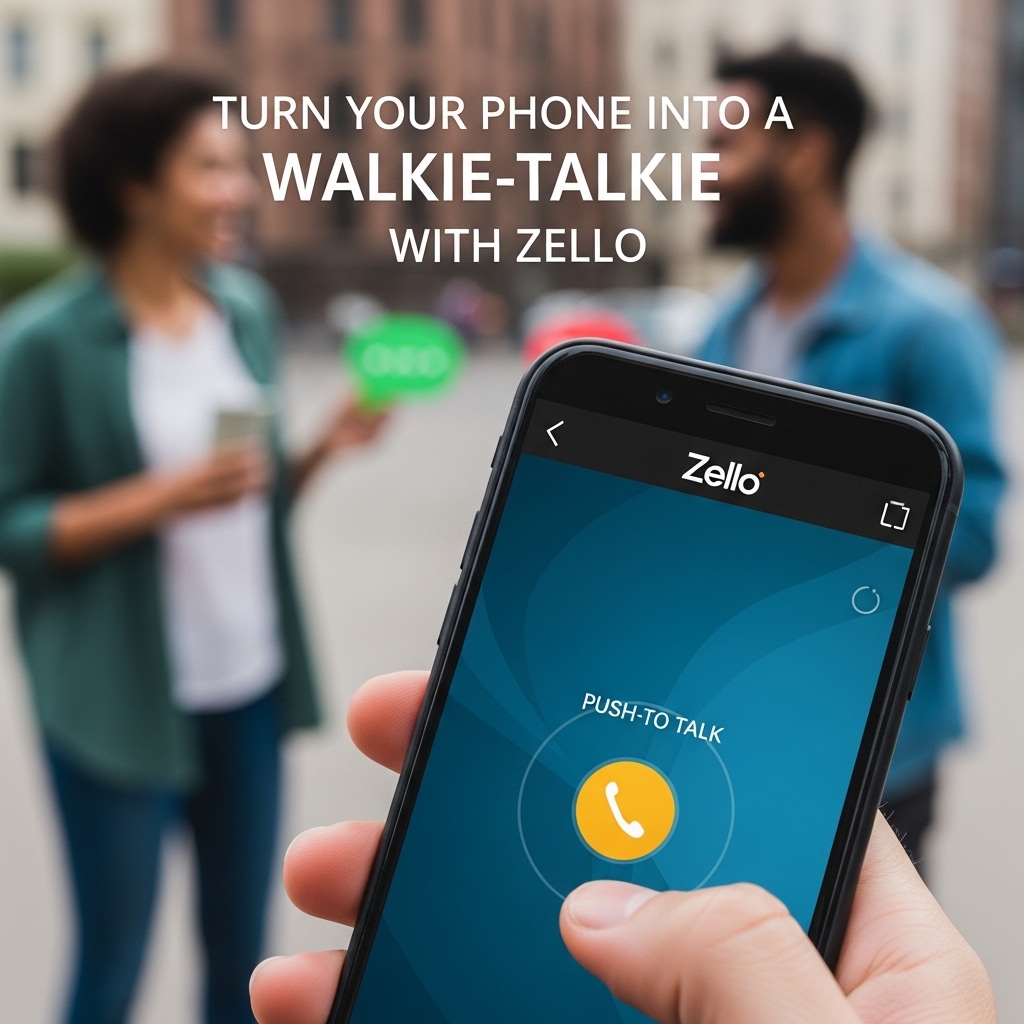
The heart of Zello’s functionality lies in its brilliantly simple push-to-talk button. Located prominently at the bottom of your screen, this large circular button activates your microphone when pressed and held. The interaction feels natural and intuitive, mimicking the physical button on traditional walkie-talkies.
When you press the button, you’ll notice immediate visual feedback—the button changes color, and a waveform appears showing your voice input in real-time. This confirmation ensures you know your message is being transmitted. Release the button when you’ve finished speaking, and your message is instantly delivered to the recipient or channel.
One clever feature is the “voice message” indicator that appears on the recipient’s screen. Even if they can’t listen immediately, they’ll see that a message is waiting, and can replay it at their convenience. This asynchronous capability combines the immediacy of live communication with the flexibility of voicemail.
👥 Adding Contacts and Building Your Network
Building your Zello network happens through several methods. The most direct approach involves searching for specific usernames if you already know who you want to connect with. Simply tap the contacts icon, use the search function, and send a contact request to your desired connection.
Zello also offers QR code functionality, allowing you to quickly add nearby contacts by scanning their unique code. This proves particularly useful at events, conferences, or team meetings where multiple people are joining Zello simultaneously.
You can sync your phone’s existing contacts to see who among your friends and colleagues already uses Zello. This discovery feature often reveals surprising connections and makes network building effortless. The app respects privacy by only showing mutual contacts or those who’ve made their profiles publicly searchable.

📻 Exploring Public and Private Channels
Channels represent one of Zello’s most powerful features, enabling group communication beyond simple one-to-one conversations. Think of channels as radio frequencies where multiple users can tune in, listen, and contribute to ongoing discussions. This functionality transforms Zello from a simple communication tool into a dynamic community platform.
Public channels cover virtually every imaginable interest and professional field. You’ll find channels dedicated to specific hobbies, local communities, professional industries, emergency response coordination, and entertainment. Browsing popular channels offers fascinating insight into how diverse groups leverage push-to-talk communication.
Creating your own channel is equally straightforward. Navigate to the channels section, select “Create Channel,” and configure your preferences. You can establish public channels open to anyone, or private channels requiring approval for membership. Channel administrators possess moderating powers, including the ability to mute disruptive users or remove inappropriate content.
Private channels excel for workplace teams, family groups, or close-knit communities requiring controlled access. You maintain complete authority over who joins, ensuring conversations remain relevant and secure. Features like channel history allow new members to review previous messages and get up to speed quickly.
🎯 Optimizing Audio Quality and Settings
Zello provides numerous customization options to enhance your communication experience. Audio quality settings allow you to balance between clarity and data consumption based on your connection type. Higher quality settings deliver crystal-clear voice transmission but consume more bandwidth, while economy modes preserve data on limited plans.
The app automatically adjusts to your network conditions, but manual control remains available for specific situations. If you’re on an unlimited WiFi connection, maximizing quality makes sense. Conversely, when roaming or using cellular data sparingly, reducing quality prevents unexpected charges while maintaining intelligibility.
External accessory support extends Zello’s functionality significantly. Bluetooth headsets, external microphones, and even dedicated push-to-talk buttons compatible with your phone can transform your device into a professional-grade communication system. This proves invaluable for hands-free operation while driving, cycling, or performing manual tasks.
Notification settings deserve careful attention to prevent overwhelming interruptions. You can customize alerts for individual contacts and channels, ensuring important communications get immediate attention while less urgent channels remain muted during specific hours. Do Not Disturb modes integrate with your phone’s system settings for consistent behavior across all apps.
🏢 Professional Applications and Business Use
Businesses across industries have embraced Zello as a cost-effective communication solution. Retail operations use it to coordinate between sales floors, stockrooms, and management offices. Construction companies rely on it to connect office staff with field crews across multiple job sites. Hospitality venues employ Zello for seamless coordination between front desk, housekeeping, maintenance, and security teams.
The enterprise version, Zello Work, offers additional features tailored for organizational needs. These include centralized administration, enhanced security protocols, priority support, and integration capabilities with existing business systems. Many companies find that Zello eliminates the need for expensive two-way radio investments while providing superior functionality.
Emergency services and first responders have discovered Zello’s value as a supplementary communication tool. During disasters when traditional communication infrastructure becomes overloaded or damaged, Zello’s internet-based operation often remains functional. Several volunteer emergency networks maintain dedicated Zello channels for coordination during crisis situations.
🌄 Personal Uses and Recreational Activities
Beyond professional applications, Zello shines in personal and recreational contexts. Outdoor enthusiasts use it during hiking trips, camping adventures, and off-road excursions to maintain group communication without relying on cellular coverage. The ability to function over any data connection means you can stay connected in surprisingly remote locations with WiFi availability.
Event coordination becomes infinitely easier with Zello. Wedding planners, party organizers, and volunteer coordinators use it to manage logistics seamlessly. The instant communication eliminates the delays inherent in text messaging while avoiding the intrusive nature of phone calls during busy events.
Motorcycle and automotive clubs have embraced Zello enthusiastically. Riders can communicate during group rides without expensive helmet communication systems, and car enthusiasts coordinate convoy movements during road trips. The hands-free operation through Bluetooth connectivity makes this particularly safe and practical.
Families separated by distance maintain closer connections through Zello’s casual, immediate communication style. Rather than scheduling formal calls, family members can share quick updates, funny moments, or ask quick questions throughout the day. The voice-based format adds warmth and personality that text messages often lack.
🔧 Troubleshooting Common Issues
Like any technology, Zello occasionally presents challenges that users should know how to address. Connection problems typically stem from network issues rather than app malfunctions. Ensuring stable internet connectivity through WiFi or cellular data resolves most communication failures. Checking that Zello has necessary permissions for microphone and network access prevents many frustrating situations.
Audio quality problems often relate to hardware rather than software. Testing your device’s microphone with other apps identifies whether the issue is Zello-specific or device-wide. Cleaning your microphone port of dust and debris surprisingly often restores clarity. External accessories should be tested individually to isolate problematic components.
Battery consumption concerns sometimes arise, particularly during extended channel monitoring. Adjusting notification settings to reduce wake-ups, lowering audio quality for background channels, and ensuring the app is properly optimized for your device’s battery management system all contribute to improved efficiency. The latest Zello updates generally include battery optimization improvements.
Login difficulties occasionally occur after password changes or when switching devices. The password recovery process through email is straightforward and typically resolves access issues quickly. Maintaining updated app versions prevents many authentication-related problems that older versions might experience.
🌟 Advanced Features and Hidden Gems
Power users discover numerous advanced capabilities that enhance the Zello experience significantly. The replay feature allows you to hear missed messages from contacts and channels, effectively providing voicemail functionality for push-to-talk communications. This ensures important information isn’t lost when you’re unavailable.
Location sharing functionality enables real-time coordinate transmission to contacts or channels. This proves invaluable for coordinating meetups, dispatching services to specific locations, or ensuring safety during solo adventures. Privacy controls allow you to determine who can see your location and when.
The alert feature sends high-priority notifications that override normal settings, ensuring critical messages get immediate attention. Designated contacts can trigger these alerts, creating a reliable way to reach you during genuine emergencies. Use this feature judiciously to maintain its effectiveness and prevent alert fatigue.
Text messaging within Zello provides an alternative when voice communication isn’t practical. This hybrid approach allows seamless switching between communication modes based on circumstances. The integration feels natural and maintains conversation continuity regardless of format.
🛡️ Privacy and Security Considerations
Understanding Zello’s privacy model helps you use the platform confidently. Messages are transmitted encrypted, protecting content from interception during transit. However, Zello is designed for clear, immediate communication rather than military-grade secrecy. Sensitive information requiring absolute confidentiality may warrant additional security measures or alternative platforms.
User visibility settings allow you to control who can find you and how. You can make your profile completely private, searchable only by username, or publicly discoverable. Blocking functionality prevents unwanted contacts from reaching you, and channel administrators can ban disruptive users from specific channels.
Channel privacy deserves careful consideration when creating or joining groups. Public channels broadcast conversations to anyone who tunes in, making them inappropriate for confidential discussions. Private channels offer controlled membership but still involve multiple participants who can potentially share information externally.
Regular account security reviews, including password updates and checking connected devices, maintain protection against unauthorized access. If your device is lost or stolen, remotely logging out through Zello’s website prevents misuse of your account.
💡 Tips for Maximizing Your Zello Experience
Developing proper push-to-talk etiquette enhances communication effectiveness for everyone. Pausing briefly after pressing the button before speaking prevents message beginnings from being cut off. Similarly, holding the button slightly longer after finishing ensures your message transmits completely before release.
Organizing contacts and channels into logical categories maintains clarity as your network grows. Favoriting frequently used contacts and channels provides quick access, while archiving inactive conversations reduces clutter without deleting potentially useful history.
Experimenting with different usage scenarios reveals unexpected applications. Many users discover creative uses they hadn’t initially considered, from baby monitoring between rooms to coordinating household tasks more efficiently than shouting between floors.
Staying updated with new features through Zello’s announcements and community channels ensures you benefit from ongoing platform improvements. The development team actively listens to user feedback, and many popular features originated from community suggestions.
🎓 Learning Resources and Community Support
Zello maintains comprehensive documentation covering everything from basic setup to advanced troubleshooting. The official support website includes video tutorials, detailed guides, and FAQ sections addressing common questions. These resources prove invaluable when exploring unfamiliar features or resolving specific issues.
The Zello community itself represents perhaps the best learning resource. Public channels dedicated to Zello tips and support connect you with experienced users happy to share knowledge. This peer-to-peer assistance often provides practical insights and creative solutions not found in official documentation.
Social media groups focused on Zello usage offer additional support and inspiration. Users share success stories, interesting channel recommendations, and innovative applications across various contexts. These communities foster connections beyond the app itself, creating networks of people passionate about push-to-talk communication.
🌐 The Future of Push-to-Talk Communication
Zello continues evolving with technological advances and user needs. Regular updates introduce new features, improve performance, and expand compatibility. The platform’s commitment to accessibility ensures it remains relevant as communication technology progresses.
Integration possibilities with emerging technologies promise exciting developments. Smart home integration, enhanced AI-powered features, and expanded professional tools represent potential future directions. The fundamental simplicity that makes Zello accessible will likely remain while sophistication grows beneath the surface.
As internet connectivity becomes increasingly ubiquitous globally, Zello’s potential reach expands correspondingly. Communities in developing regions gain access to powerful communication tools previously unavailable or prohibitively expensive. This democratization of instant communication technology represents a significant social benefit beyond mere convenience.
🎯 Making Zello Work for Your Specific Needs
The beauty of Zello lies in its flexibility to adapt to countless scenarios. Rather than forcing users into predetermined usage patterns, the platform provides tools that individuals and organizations can customize for their unique requirements. Taking time to thoughtfully configure settings, build appropriate networks, and establish communication protocols maximizes value.
Regular evaluation of how you use Zello ensures the tool continues serving your evolving needs. As circumstances change, adjusting channels, contacts, and settings maintains optimal functionality. What works perfectly for one situation may require modification for another, and Zello’s adaptability accommodates this naturally.
Whether you’re coordinating a small team, staying connected with loved ones, or building a community around shared interests, Zello offers capabilities that traditional communication methods struggle to match. The combination of immediacy, simplicity, and versatility creates a uniquely powerful tool in our modern communication toolkit.
Embracing push-to-talk communication through Zello opens possibilities that text and traditional calls simply cannot replicate. The efficiency of instant voice messages, the community feeling of shared channels, and the reliability of internet-based transmission combine to create something greater than the sum of its parts. Your smartphone truly becomes a walkie-talkie—but one that connects you to the world. 📱✨
