
Anúncios
Amazon Alexa transforms your smartphone into a powerful control center, enabling you to manage smart home devices, play music, get instant answers, and streamline daily tasks with simple voice commands.
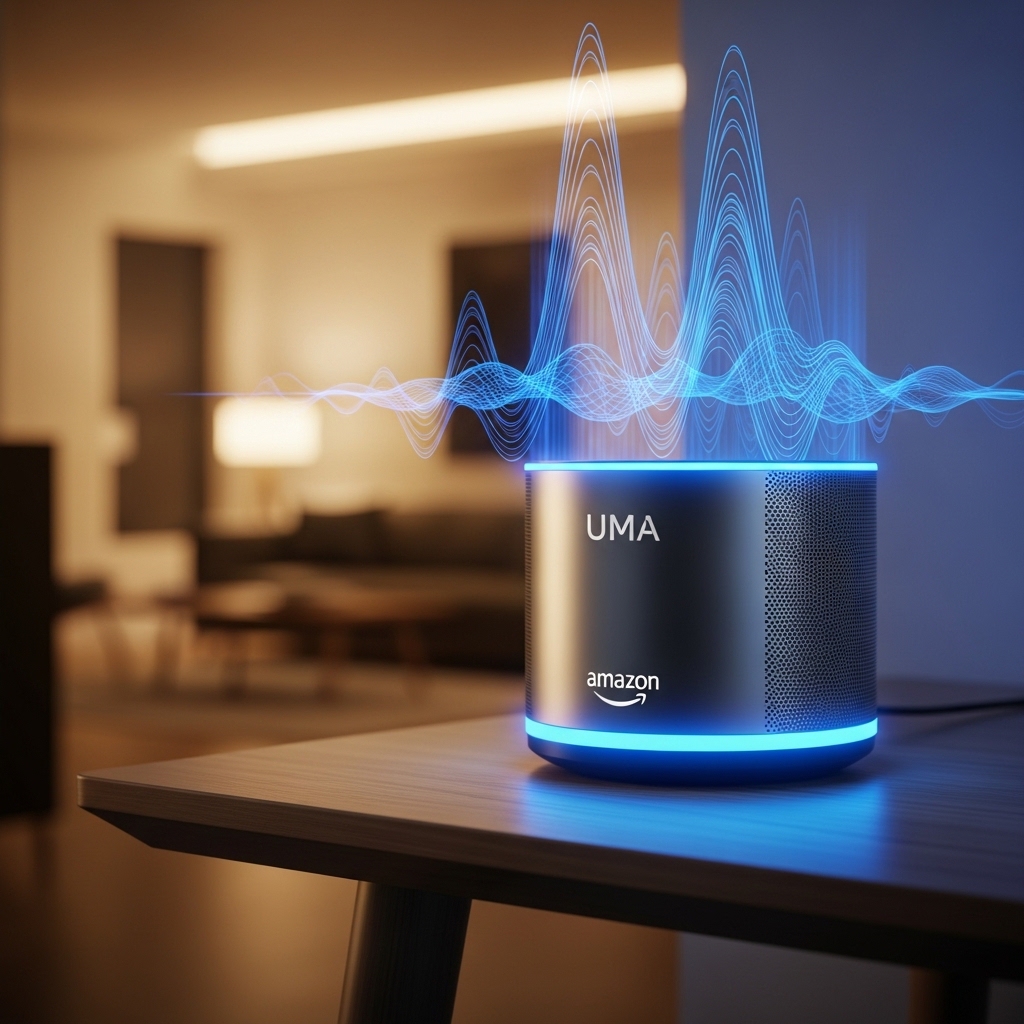


The world of voice assistants has revolutionized how we interact with technology, and Alexa stands at the forefront of this digital transformation. Whether you’re a tech enthusiast or someone looking to simplify everyday routines, understanding how to leverage Alexa through your mobile device opens doors to unprecedented convenience and efficiency.
From controlling your entire smart home ecosystem to setting reminders, ordering groceries, or even having conversations, Alexa on your smartphone becomes an extension of your intentions. Let’s explore how you can maximize this powerful tool and discover features you never knew existed.
🚀 Getting Started with Alexa on Your Mobile Device
Setting up Alexa on your smartphone takes just minutes, but the benefits last a lifetime. The Amazon Alexa app serves as the command center for all your Alexa-enabled devices and provides standalone functionality even without additional hardware like Echo speakers.
After downloading the app from either the Google Play Store or Apple App Store, you’ll need to sign in with your Amazon account. If you don’t have one, creating an account is straightforward and free. The initial setup wizard guides you through essential configurations, including language preferences, location settings, and privacy options.
The app interface features an intuitive design with a home screen displaying personalized suggestions, recently used skills, and quick access to communication features. The bottom navigation bar provides easy access to play controls, devices, communication tools, and more options.
📱 Essential Voice Commands That Change Everything
Voice commands represent the heart of the Alexa experience. Simply tap the blue Alexa button in the app and speak naturally—no need for robotic phrasing or complex syntax. Alexa’s natural language processing has evolved to understand context, follow-up questions, and even regional accents.
Basic commands include asking about weather, setting timers, creating reminders, and playing music. However, the true power emerges when you combine commands or create routines that execute multiple actions with a single phrase.
Daily Productivity Commands
- Morning briefings: “Alexa, what’s on my calendar today?” or “Alexa, give me my daily briefing”
- Task management: “Alexa, add milk to my shopping list” or “Alexa, remind me to call Mom at 3 PM”
- Time management: “Alexa, set a timer for 20 minutes” or “Alexa, wake me up at 6:30 AM”
- Quick calculations: “Alexa, what’s 18% of 250?” or “Alexa, convert 50 euros to dollars”
Entertainment and Information
- Music control: “Alexa, play relaxing jazz” or “Alexa, skip this song”
- News updates: “Alexa, what’s the latest news?” or “Alexa, tell me about today’s tech headlines”
- Trivia and fun: “Alexa, tell me a joke” or “Alexa, play a quiz game”
- Learning: “Alexa, how do you say ‘thank you’ in Japanese?” or “Alexa, what’s the capital of Norway?”
🏠 Transforming Your Home into a Smart Ecosystem
The Alexa app on your smartphone becomes the ultimate remote control for your entire smart home. Whether you’re lying in bed, sitting on the couch, or returning home from work, you can manage every connected device through voice commands or the app’s visual interface.
Adding devices is remarkably simple. Navigate to the Devices tab, tap the plus icon, and select the type of device you want to add. Alexa supports thousands of smart home brands, including Philips Hue, Ring, Nest, TP-Link, Samsung SmartThings, and many more.
Popular Smart Home Integrations
Smart Lighting: Control brightness, color, and schedules for individual bulbs or entire rooms. Commands like “Alexa, dim the living room lights to 30%” or “Alexa, turn on the bedroom lights” provide hands-free convenience.
Thermostats: Adjust temperature settings without leaving your current spot. “Alexa, set the temperature to 72 degrees” or “Alexa, make it warmer” gives you climate control at your command.
Security Systems: Monitor cameras, lock doors, and arm security systems. Ask “Alexa, show me the front door camera” or “Alexa, lock all doors” for enhanced security management.
Entertainment Systems: Control TVs, streaming devices, and sound systems. “Alexa, play Stranger Things on Netflix” or “Alexa, pause the TV” streamlines your entertainment experience.

⚡ Creating Custom Routines for Maximum Efficiency
Routines represent one of Alexa’s most powerful yet underutilized features. A routine is a series of automated actions triggered by a single command, schedule, or event. This functionality transforms disconnected tasks into seamless workflows.
To create a routine, open the Alexa app, tap More, then Routines, and select the plus icon. You’ll define a trigger (when it happens) and actions (what happens). The possibilities are virtually limitless.
Morning Routine Example
Trigger: Voice command “Alexa, good morning” or scheduled time (7:00 AM)
Actions:
- Gradually increase bedroom light brightness to 80%
- Start coffee maker (if smart-enabled)
- Read weather forecast and calendar events
- Play your favorite morning playlist
- Adjust thermostat to 70 degrees
Leaving Home Routine
Trigger: Voice command “Alexa, I’m leaving” or geofencing when you leave home
Actions:
- Turn off all lights
- Lock smart locks
- Adjust thermostat to energy-saving mode
- Arm security system
- Stop all media playback
🎵 Entertainment Options Beyond Music Streaming
While music streaming through services like Amazon Music, Spotify, Apple Music, and Pandora represents a primary use case, Alexa offers entertainment options that extend far beyond simple playlist management.
Podcast enthusiasts can access thousands of shows by saying “Alexa, play The Daily podcast” or “Alexa, find podcasts about entrepreneurship.” Audiobook fans with Audible subscriptions can listen to their library with commands like “Alexa, read my book” or “Alexa, go back 30 seconds.”
Interactive storytelling, radio stations from around the world, meditation sounds, white noise for better sleep, and even interactive games provide diverse entertainment options. The Skills marketplace expands these possibilities exponentially.
🛍️ Shopping and Reordering Made Effortless
Amazon’s integration with Alexa makes shopping incredibly convenient. Voice shopping allows you to add items to your cart, reorder previous purchases, and track deliveries using simple commands.
“Alexa, order paper towels” triggers a reorder of your previously purchased brand. “Alexa, where’s my stuff?” provides updates on current deliveries. “Alexa, add batteries to my cart” prepares items for checkout when you’re ready.
For enhanced security, you can enable voice purchasing PIN protection, ensuring accidental orders or unauthorized purchases don’t occur. This feature is particularly useful in households with children.
📞 Communication Features You Need to Know
The Alexa app transforms your smartphone into a communication hub. Drop In, Announcements, and Calling features keep families and friends connected in innovative ways.
Calling and Messaging: Make hands-free calls to other Alexa users or regular phone numbers (in supported regions). Simply say “Alexa, call Mom” or “Alexa, send a message to John.”
Drop In: This feature allows instant connection to other Alexa devices in your household or with permitted contacts. It’s perfect for intercom-style communication between rooms or checking in on elderly relatives.
Announcements: Broadcast messages to all Alexa devices simultaneously. “Alexa, announce dinner is ready” sends your message throughout your home, ensuring everyone hears it.
🔐 Privacy Controls and Security Settings
Privacy concerns are valid in our connected world, and Amazon provides robust controls within the Alexa app. Understanding these settings empowers you to use Alexa confidently while maintaining your privacy boundaries.
The Privacy section in Settings allows you to review voice history, delete recordings, and manage how Amazon uses your data. You can delete voice recordings by saying “Alexa, delete what I just said” or “Alexa, delete everything I said today.”
Microphone mute buttons on physical Alexa devices provide immediate privacy when needed. Within the app, you can manage smart home device permissions, control who can Drop In, and adjust communication settings.
💡 Advanced Skills That Expand Capabilities
Alexa Skills function like apps for your voice assistant, expanding functionality beyond built-in features. The Skills store contains over 100,000 options across categories including productivity, games, education, health, and lifestyle.
Popular productivity skills include Todoist for advanced task management, AnyList for collaborative shopping lists, and Find My Phone for locating misplaced devices. Educational skills range from language learning tools to historical fact databases.
Health and wellness skills offer guided meditations, workout routines, sleep sounds, and health tracking. Entertainment skills provide interactive games, trivia challenges, and storytelling experiences that showcase voice technology’s creative potential.
Enabling skills is straightforward—search for them in the Skills section of the app, tap Enable, and follow any specific setup instructions. Some skills require account linking or additional permissions.
🌍 Multi-Language Support and Accessibility Features
Alexa speaks multiple languages and can even operate in bilingual mode, switching seamlessly between two languages. This feature benefits multilingual households and language learners alike.
Accessibility features include VoiceView screen reader, tap-to-Alexa for those who prefer typing, visual IDs for the hearing impaired, and adjustable speech rate. These options ensure Alexa remains accessible to users with diverse needs.
🔧 Troubleshooting Common Issues
Occasionally, you might encounter connectivity issues, unresponsive commands, or device pairing problems. Most issues resolve quickly with simple troubleshooting steps.
If Alexa isn’t responding properly, check your internet connection first. Restart the app, ensure your smartphone’s operating system is updated, and verify that location services are enabled if using location-based features.
For smart home device issues, confirm devices are powered on, within Wi-Fi range, and properly configured in the Alexa app. Re-discovering devices or unlinking and relinking skills often resolves persistent problems.
✨ Future-Proofing Your Alexa Experience
Amazon continuously updates Alexa with new features, improved natural language understanding, and expanded device compatibility. Keeping your app updated ensures access to the latest capabilities and security patches.
Emerging features include enhanced conversational AI that remembers context across interactions, improved multi-room audio synchronization, and deeper integration with third-party services. The trajectory points toward increasingly intuitive and personalized experiences.
As smart home technology evolves, Alexa’s role as a central hub becomes more valuable. Investing time in learning advanced features and exploring new integrations maximizes your return on this technology investment.
Whether you’re just starting with voice assistants or looking to optimize your existing setup, Alexa on your smartphone offers remarkable flexibility and power. From simple voice commands to complex automation routines, from entertainment to productivity, the possibilities continue expanding. Embrace experimentation, explore new skills, and discover how this technology can genuinely enhance your daily life. The future of voice interaction is here, and it fits right in your pocket.
